PrintHerd
CS-0171: Human-Computer Interaction (HCI) – Final Project
Background
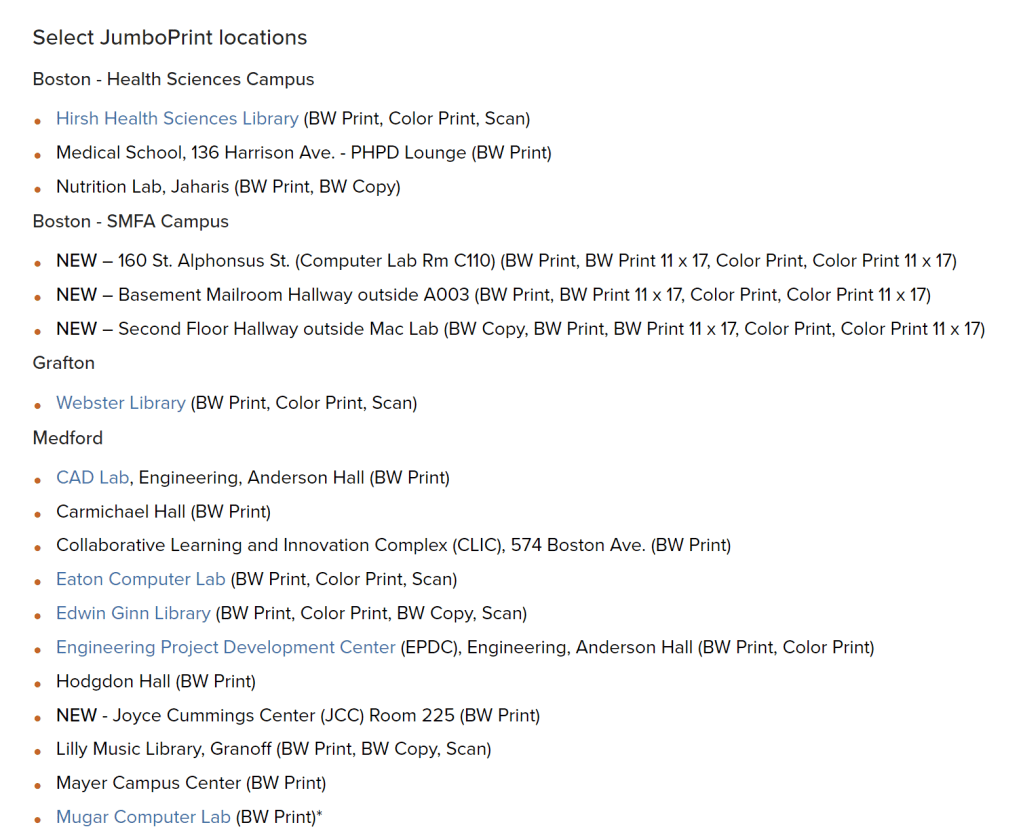
PrintHerd is an app/website interface that works hand-in-hand with Tufts’ existing JumboPrint portal to provide community members with locations of and information about printers around campus. Tufts has an existing webpage dedicated to listing the locations of buildings around campus that have printers, but detailed locations (room numbers, floor levels) are unspecified. Additionally, this list is not useful if you don’t know the names of buildings or which one is closest to your current or next location. PrintHerd solves the issue of students frantically searching for available printers by providing these locations as pins on a map. It is targeted towards students, staff, and faculty members – anyone with a Tufts account can access PrintHerd and its features. The website can be accessed via computers, phones, tablets, or any device that is connected to the internet and has a browser compatible with the site. The app can be accessed by phones or tablets. The website and app have the same appearance.
The app interface was created using Figma and can be found here.
Design

In the initial phases of development, I created a syntactic design flowchart to guide our design as well as a storyboard to visualize how a user would step through the app when trying to locate and navigate to an available printer.
The flowchart displays the states of the app as nodes connected by the paths/buttons the user can select to navigate between each state. The main state is the Initial Map that the user sees upon opening the app and can return to at any point. As a physical back button would not always be the optimal mode, we had to be creative with other methods such as swiping a text box down to minimize and close it or tapping on the map to exit a menu pop-up.

Usage Scenario 
Justin is running out of time to print his assignment before class. 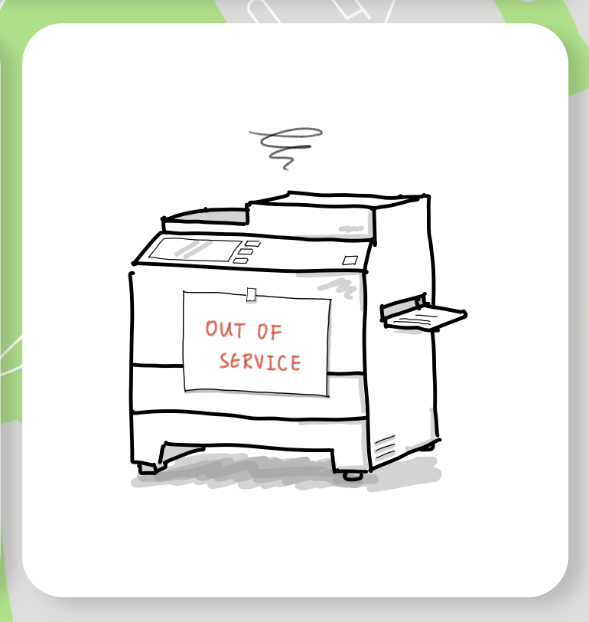
The usual printer he uses is broken and he doesn’t know where to find another. 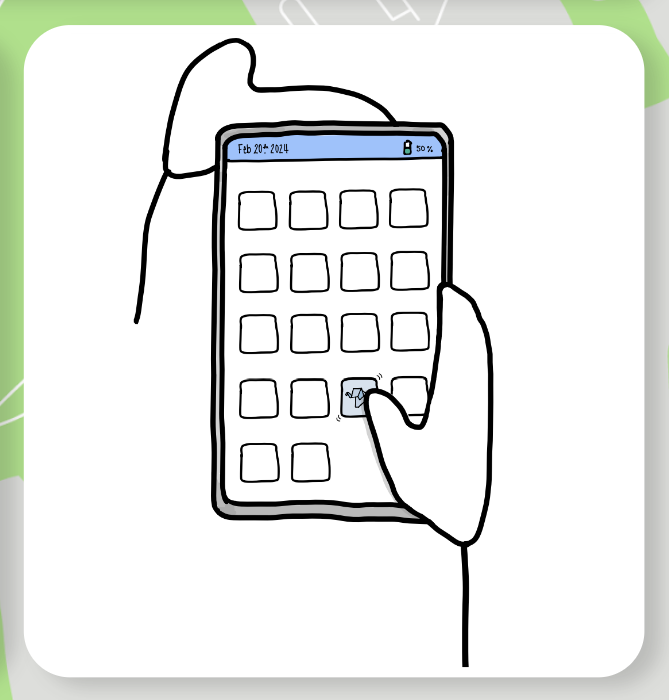
Justin remembers PrintHerd’s helpful features and opens the app on his phone. 
Justin selects the available and functional printer that is displayed closest to his location on the campus map. 
He doesn’t know how to get there so he selects the navigation option. 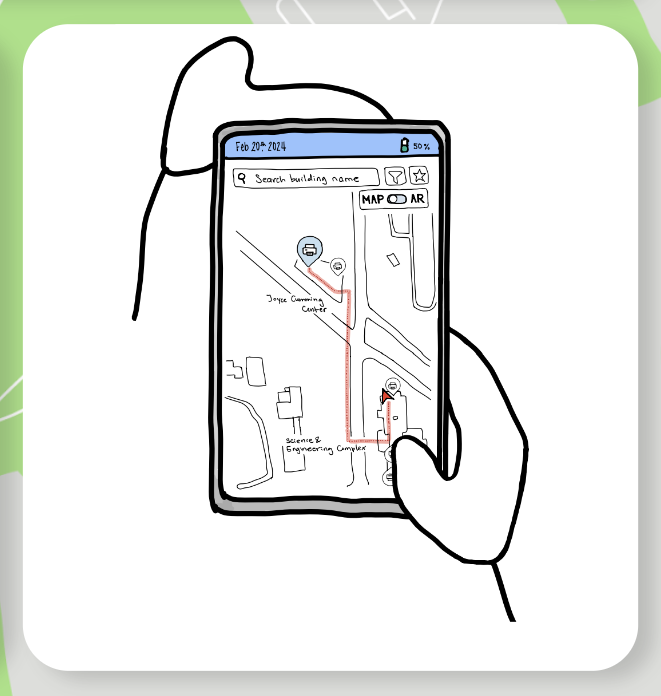
The path he needs to take is displayed. 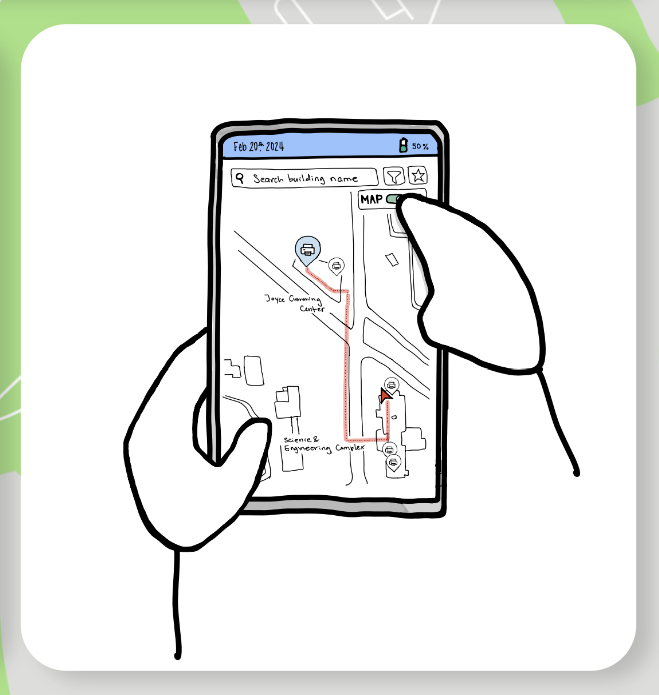
Unsure of the steps, Justin opens Augmented Reality mode for assistance. 
The AR mode identifies his location based on room numbers and visual cues. 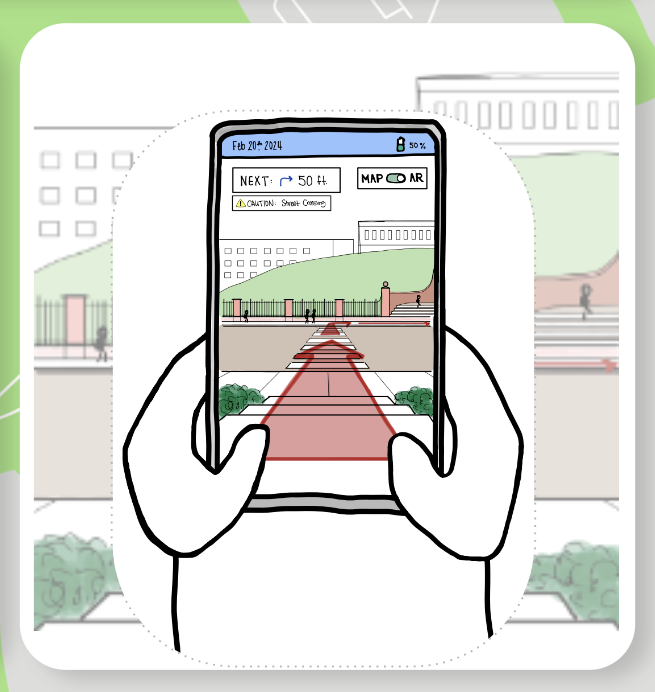
The navigation assistant warns him of dangers as he crosses the street. 
The assistant displays each next step in the upper left corner of the screen. 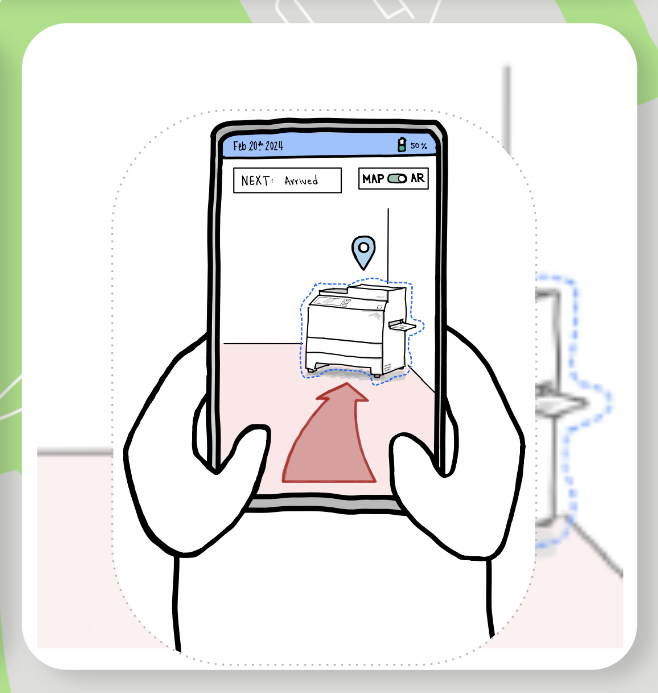
Thanks to PrintHerd, Justin finally reaches the printer. 
Justin successfully prints his assignment and is on time to class!
After the inital planning and pilot testing, a low-fidelity paper prototype was created to test the usability of our initial design. The elements of the that prototype can be found in this Google Drive.
Initial testing revealed the need for some design changes to optimize the clarity of icons and the ease of navigating between pages in the app. These changes were made as the team used Figma to transition from a low-fideltiy to medium-fidelity product. Further user testing revealed the need for fewer transitions between stages of the app, as testers pointed out the need to navigate to any page in the app in one or two clicks.
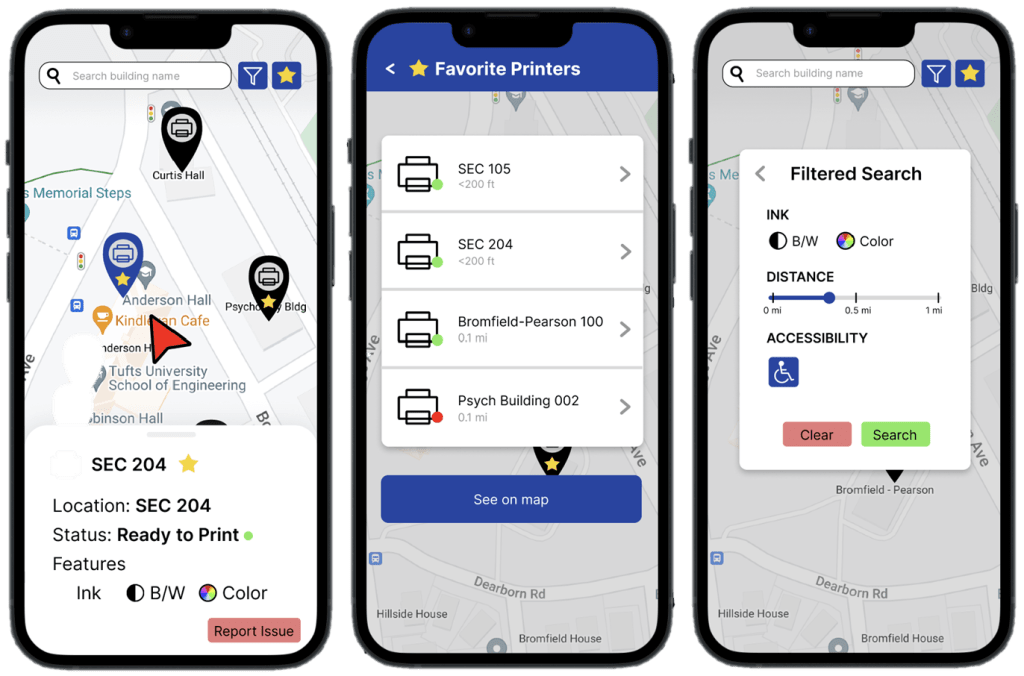
Final revisions were made and the full PrintHerd app on Figma was completed. The AR mode is a feature that we see could be implemented in future iterations of development, but with the limited capabilites of Figma, were not feasible to include in the interface. The demonstration video is shown below.
The final presentation can be explored below as well.

 Michelle Kim